To create your own page, click on the Custom Pages tab. This will show you your current custom pages along with a button to add a new one.
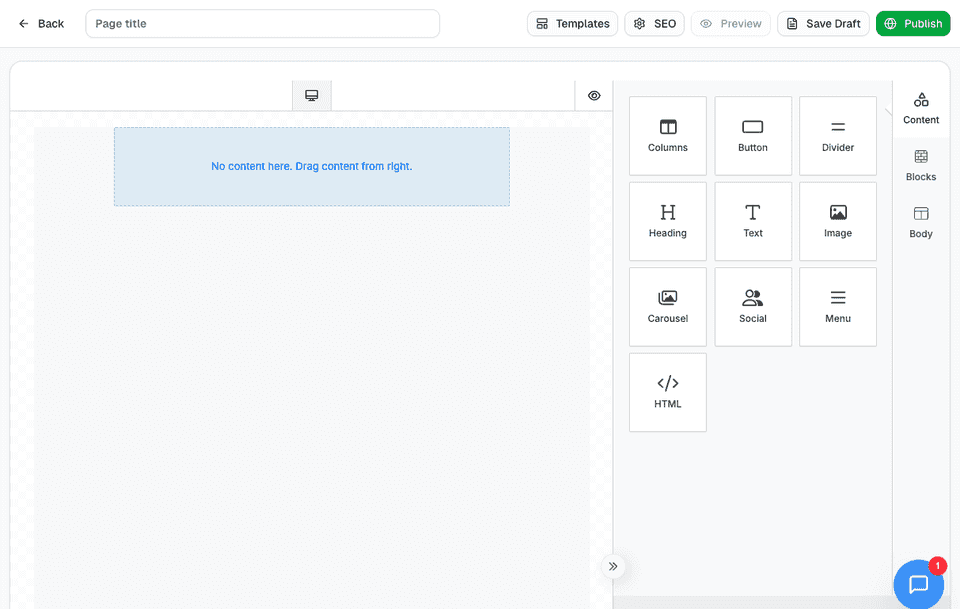
When you click to add a new page, you'll see a familiar drag-and-drop builder—similar to the email newsletter editor. You can start with a template or build your own page from scratch.
Once your page is created, head over to the Navigation page in your dashboard. From there, you can add it to your navigation menu or even use it to create a custom homepage.